Why does invalid structured data hurt more than none?
Structured data is a trust signal. When it's correct, it makes your page unambiguous to a machine; when it's broken or dishonest, it does the opposite — it tells the engine your signals can't be relied on. A trailing comma that stops the JSON from parsing means the markup is simply skipped. Worse, markup that claims things not on the page (fake FAQs, invented ratings) is a credibility problem, not just a technical one. Clean, honest markup is the whole point.
What makes JSON-LD "valid"?
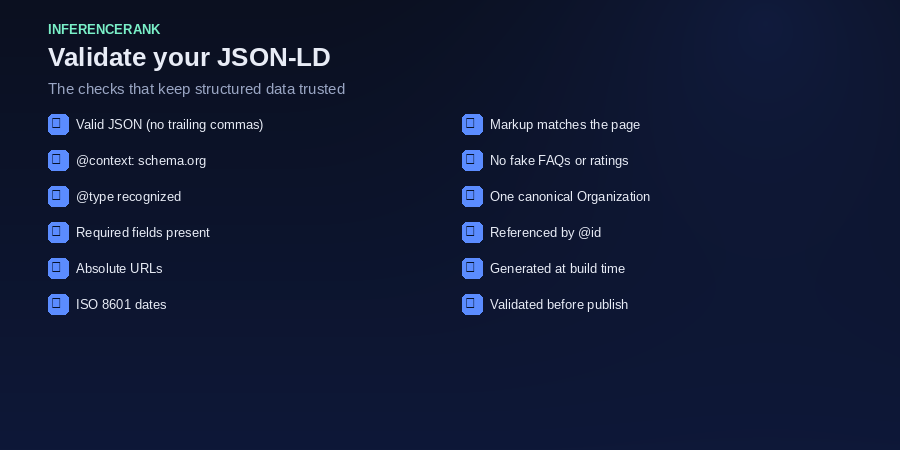
Four things, in order. First, it must be valid JSON — no trailing commas, balanced braces, quoted keys. Second, it needs an @context of https://schema.org. Third, every node needs a @type that schema.org recognizes. Fourth, it should include the fields that type expects and that you actually display. Validity is necessary; honesty — markup matching the visible page — is what earns the trust.
The most reliable way to stay valid is to derive JSON-LD from the page's real title, dates, and path at build time. Hand-maintained markup drifts out of sync as pages change; generated markup can't. That's how this site does it.
What are the most common JSON-LD mistakes?
A handful account for most failures: trailing commas and unquoted keys that break parsing; relative URLs in url, logo, or image where absolute ones are required; non-ISO dates like 06/18/2026 instead of 2026-06-18; missing required fields (an Article with no headline, a FAQPage whose questions lack an acceptedAnswer); and type mismatches, where the declared @type doesn't fit the content. Each one quietly removes the benefit you were trying to add.
How do I check it?
Run every block through a validator before publishing. Our browser-based JSON-LD Validator checks parsing, @context, @type, per-type required fields, and the common mistakes above without sending your markup anywhere. Google's Rich Results Test confirms eligibility for specific rich results, and the Schema Markup Validator (schema.org) checks general conformance. Use the first for fast iteration and the others to confirm before launch.
How do I keep it valid as the site grows?
Automate it. Generate structured data from each page's real metadata at build time, validate as part of your publish step, and keep one canonical entity definition (your Organization node) referenced by @id rather than copied around. When markup is generated and checked automatically, "is the schema still valid?" stops being a question you have to remember to ask.
The short version
Valid JSON-LD parses cleanly, declares @context and a real @type, carries the fields its type needs, and tells the truth about the page. Watch for trailing commas, relative URLs, and non-ISO dates; validate before you ship; and generate it so it stays correct.